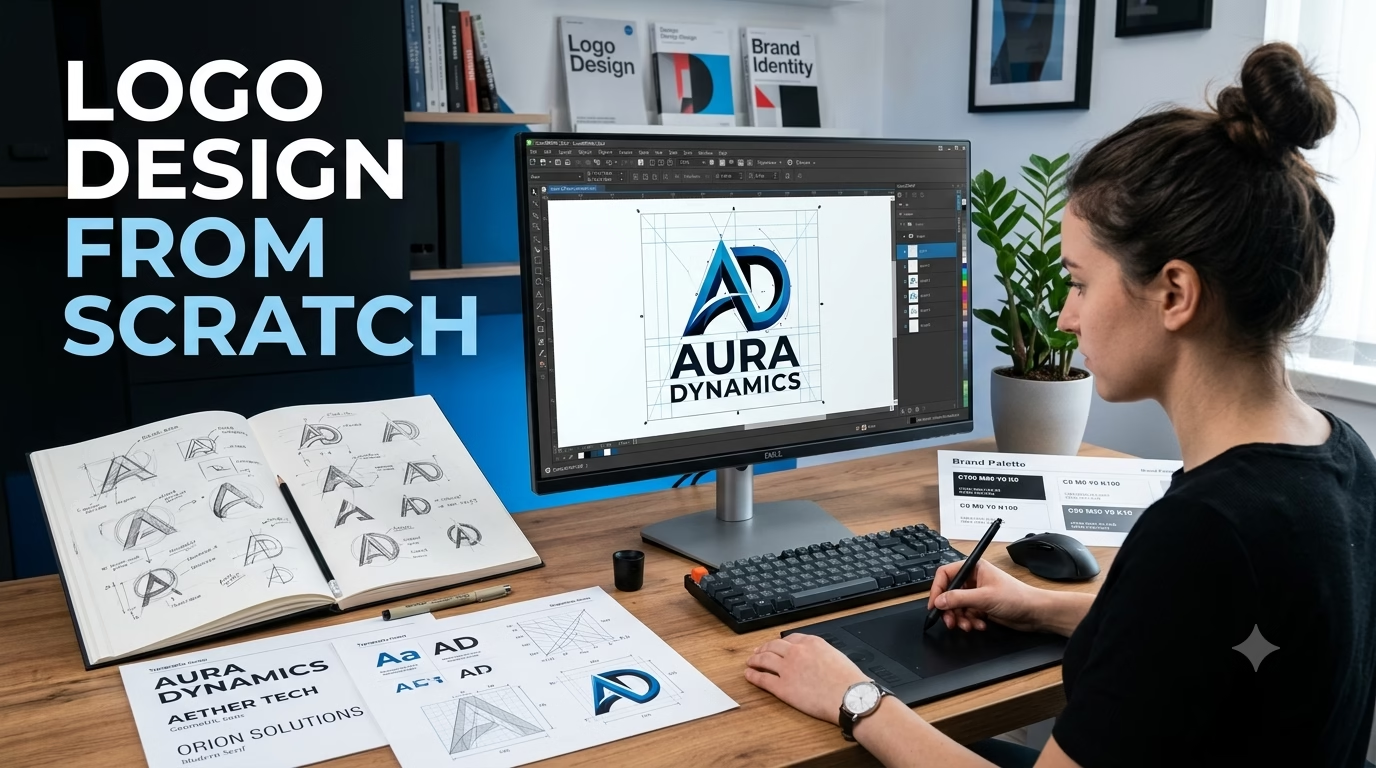


Creating a logo from scratch is one of the most valuable skills for any graphic designer. A professional logo represents a brand’s identity, builds trust, and helps customers recognize a business instantly. In this complete guide, you’ll learn the logo design process from idea to a finished, scalable vector logo using CorelDRAW or any vector design software.
What is a Logo?
A logo is a visual symbol that represents a company, brand, product, or organization. A great logo should be simple, memorable, versatile, and timeless.
Why is Logo Design Important?
A professional logo helps:
- Build brand recognition
- Increase customer trust
- Create a strong first impression
- Differentiate a business from competitors
- Support marketing and advertising
Types of Logos


4
The most common logo styles include:
- Wordmark
- Lettermark
- Combination Mark
- Icon or Symbol
- Abstract Logo
- Mascot Logo
- Emblem Logo
Choose the style that best suits the brand’s personality and target audience.
Step 1: Understand the Brand
Before opening CorelDRAW, gather information such as:
- Business name
- Industry
- Target audience
- Brand values
- Preferred colours
- Competitors
- Design style (modern, luxury, minimal, playful, etc.)
Step 2: Research and Gather Inspiration
Study logos from successful brands in the same industry. Look at:
- Shapes
- Colours
- Typography
- Icon styles
- Negative space usage
Avoid copying designs—use them only for inspiration.
Step 3: Sketch Your Ideas
Start with pen and paper.
Create 10–20 rough logo concepts before moving to the computer. Focus on ideas rather than perfection.
Step 4: Open CorelDRAW
Create a new document with:
- RGB for digital logos
- CMYK for print projects
Turn on rulers, guidelines, and snapping to keep the design aligned.
Step 5: Create Basic Shapes
Most professional logos begin with simple shapes:
- Circle
- Rectangle
- Triangle
- Polygon
- Curves
Combine and edit these shapes to create unique icons.
Step 6: Choose Typography
Select fonts that match the brand.
Popular choices include:
- Poppins
- Montserrat
- Helvetica
- Bebas Neue
- Gotham
- Futura
Convert text to curves before delivering final files.
Step 7: Choose Colours
Limit your logo to 2–3 colours.
Examples:
- Blue – Trust
- Red – Energy
- Green – Nature
- Black – Luxury
- Orange – Creativity
- Purple – Innovation
Always test the logo in both colour and black & white versions.
Step 8: Refine the Design
Check:
- Alignment
- Spacing
- Balance
- Readability
- Scalability
Remove unnecessary details and keep the design clean.
Step 9: Test Your Logo
Preview your logo on:
- Business Card
- Website
- Social Media Profile
- T-Shirt
- Sign Board
- Packaging
- Mobile App Icon
If it looks good at both large and small sizes, it’s ready.
Step 10: Export the Final Files
Deliver multiple formats:
- CDR
- SVG
- AI
- EPS
- PNG (Transparent)
- JPG
Include both colour and monochrome versions.
Logo Design Principles
A successful logo should be:
- Simple
- Memorable
- Timeless
- Versatile
- Relevant
- Scalable
Common Logo Design Mistakes
- Using too many colours
- Choosing trendy fonts only
- Copying existing logos
- Overcomplicating the design
- Poor spacing
- Raster-based logos instead of vectors
- Ignoring black-and-white testing
Best Colour Combinations
| Industry | Suggested Colours |
|---|---|
| Technology | Blue, White |
| Restaurant | Red, Orange |
| Construction | Black, Yellow |
| Luxury | Black, Gold |
| Healthcare | Blue, Green |
| Finance | Navy, Grey |
Beginner Practice Projects
Create logos for:
- Coffee Shop
- Restaurant
- Real Estate Agency
- Fitness Gym
- Clothing Brand
- Travel Company
- Graphic Design Studio
- YouTube Channel
- Digital Marketing Agency
- AI Startup
Frequently Asked Questions (FAQs)
Which software is best for logo design?
CorelDRAW, Adobe Illustrator, and Affinity Designer are excellent vector-based tools for professional logo design.
Why should logos be vector-based?
Vector logos can be resized without losing quality, making them ideal for print, signage, and digital media.
How many colours should a logo have?
Two or three colours are usually enough. Simplicity improves recognition.
What file formats should I provide to clients?
Deliver editable vector files (CDR, AI, SVG, EPS), a print-ready PDF, and transparent PNG versions.