

4
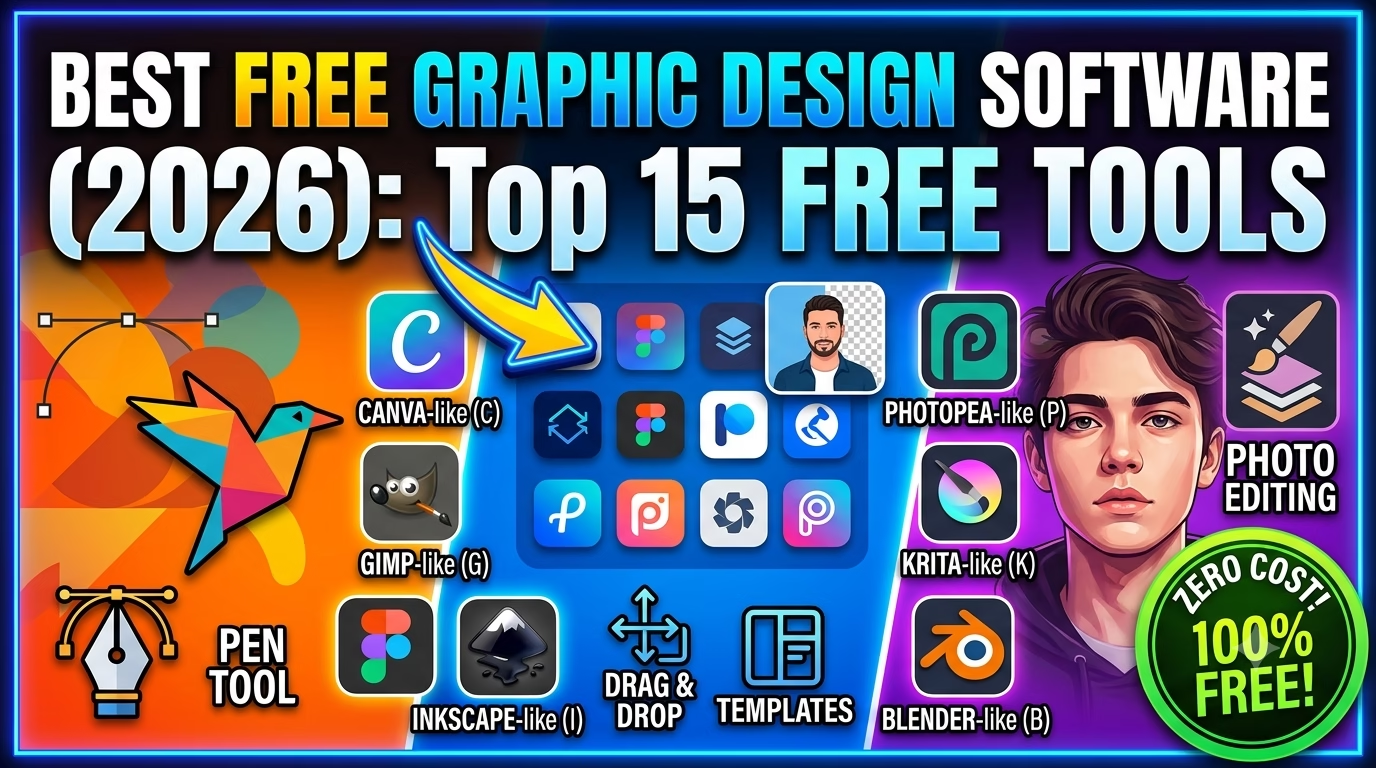
If you’re looking for the best free graphic design software in 2026, you’re in luck. Today’s free design tools are more powerful than ever, allowing beginners and professionals to create logos, illustrations, social media graphics, UI designs, videos, and even 3D models without spending money.
In this guide, we’ll compare the top free graphic design software based on features, ease of use, supported platforms, and best use cases.
Why Choose Free Graphic Design Software?
Free graphic design software is ideal for:
- Beginners learning graphic design
- Freelancers on a budget
- Students
- Small businesses
- Content creators
- YouTubers
- Social media managers
Many free tools now offer professional-quality features that rival premium software.
Top 15 Best Free Graphic Design Software (2026)
| Software | Best For | Platform |
|---|---|---|
| Inkscape | Vector Design | Windows, macOS, Linux |
| GIMP | Photo Editing | Windows, macOS, Linux |
| Krita | Digital Painting | Windows, macOS, Linux |
| Canva Free | Social Media Graphics | Web, Mobile |
| Figma Free | UI/UX Design | Web, Desktop |
| Adobe Express Free | Quick Designs | Web, Mobile |
| Penpot | UI Design | Web |
| Blender | 3D Design | Windows, macOS, Linux |
| Scribus | Desktop Publishing | Windows, macOS, Linux |
| Photopea | Photoshop Alternative | Web |
| Pixlr | Online Photo Editing | Web |
| Lunacy | UI Design | Windows, macOS, Linux |
| Vectr | Vector Graphics | Web, Desktop |
| Gravit Designer Free | Vector Graphics | Web |
| Draw.io | Diagrams & Flowcharts | Web |
1. Inkscape


4
Best For
- Logo Design
- Vector Graphics
- Icons
- Illustrations
Features
- SVG Support
- Pen Tool
- Node Editing
- Gradient Tools
- Layers
Pros
- Completely free
- Open-source
- Excellent Illustrator alternative
Cons
- Slight learning curve for beginners
2. GIMP


5
Best For
- Photo Editing
- Image Manipulation
- Retouching
Features
- Layers
- Masks
- Brushes
- Plugins
- RAW Support
Pros
- Powerful editing tools
- Free Photoshop alternative
Cons
- Interface can feel dated
3. Krita
Best For
- Digital Painting
- Comics
- Concept Art
Features
- Professional brushes
- Animation tools
- Tablet support
Perfect for illustrators and digital artists.
4. Canva Free
Best For
- YouTube Thumbnails
- Instagram Posts
- Flyers
- Presentations
Features
- Drag-and-drop editor
- Templates
- Icons
- Stock photos
- Brand kit (limited)
Ideal for beginners with no design experience.
5. Figma Free
Best For
- UI Design
- UX Design
- Website Mockups
- App Design
Features
- Real-time collaboration
- Components
- Auto Layout
- Prototyping
Excellent for web and app designers.
6. Adobe Express Free
Best For
- Social Media
- Posters
- Marketing Graphics
Features
- Templates
- AI-powered editing
- Quick resizing
- Background removal (limited)
7. Penpot
Best For
- Open-source UI/UX Design
Features
- Browser-based
- Team collaboration
- Vector editing
- Prototyping
8. Blender
Best For
- 3D Design
- Animation
- Product Rendering
- Visual Effects
Features
- Sculpting
- Rendering
- Motion tracking
- Video editing
9. Scribus
Best For
- Magazine Design
- Books
- Newspapers
- Brochures
Professional desktop publishing software.
10. Photopea
Best For
- PSD Editing
- Online Photoshop Alternative
Supports:
- PSD
- AI
- XD
- Sketch
No installation required.
Which Software Should You Choose?
| Purpose | Recommended Software |
|---|---|
| Logo Design | Inkscape |
| Photo Editing | GIMP |
| Digital Painting | Krita |
| Social Media | Canva Free |
| UI/UX Design | Figma Free |
| Website Design | Figma |
| 3D Graphics | Blender |
| Brochures | Scribus |
| Online Editing | Photopea |
| Flowcharts | Draw.io |
Advantages of Free Design Software
- No subscription fees
- Large user communities
- Frequent updates
- Cross-platform support
- Great learning resources
- Suitable for beginners and professionals
Frequently Asked Questions (FAQs)
Is free graphic design software good enough for professional work?
Yes. Many professionals use tools like Inkscape, GIMP, Blender, and Figma for commercial projects.
Which is the best free alternative to Adobe Illustrator?
Inkscape is widely regarded as the best free vector graphics alternative.
Which is the best free Photoshop alternative?
GIMP is the most feature-rich desktop alternative, while Photopea is an excellent browser-based option.
Which software is best for social media graphics?
Canva Free is one of the easiest and most popular choices for creating social media content.