
Introduction to AI in Design
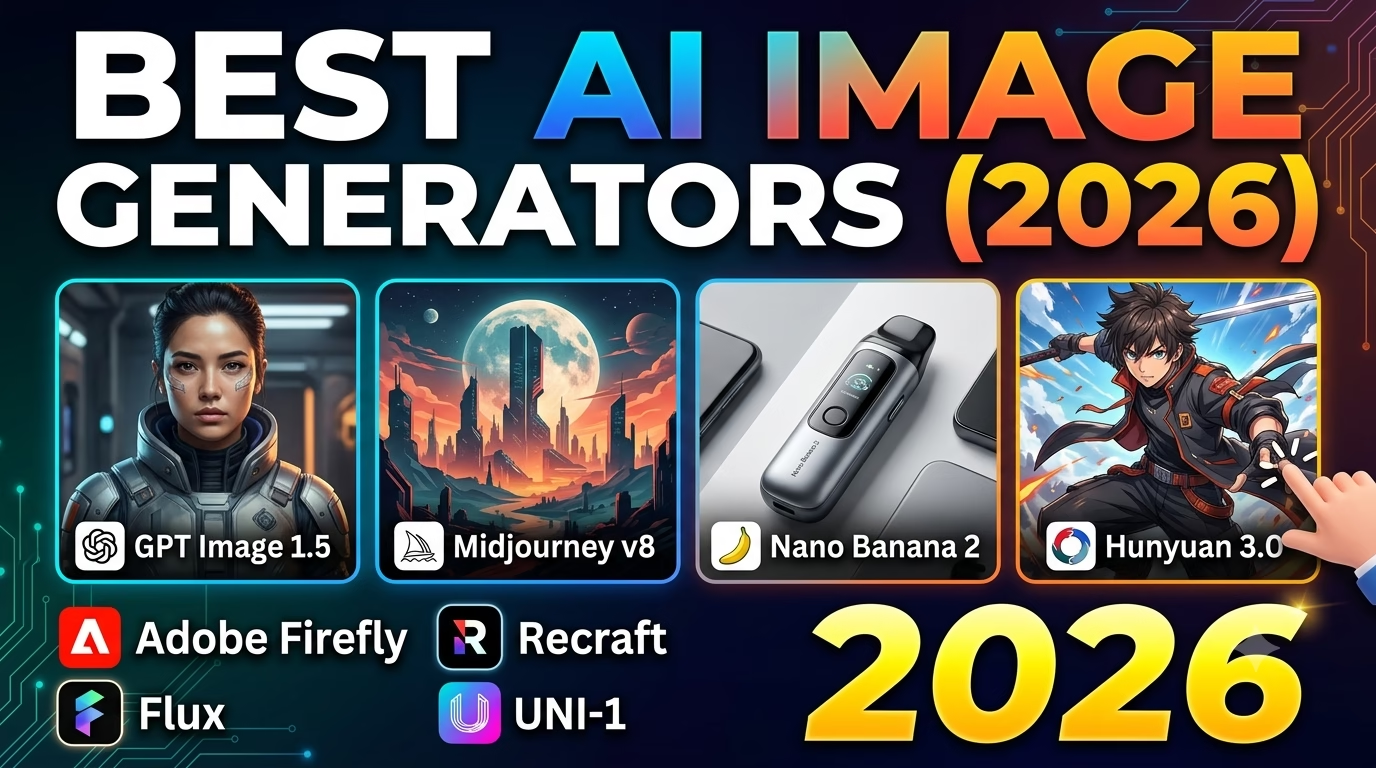
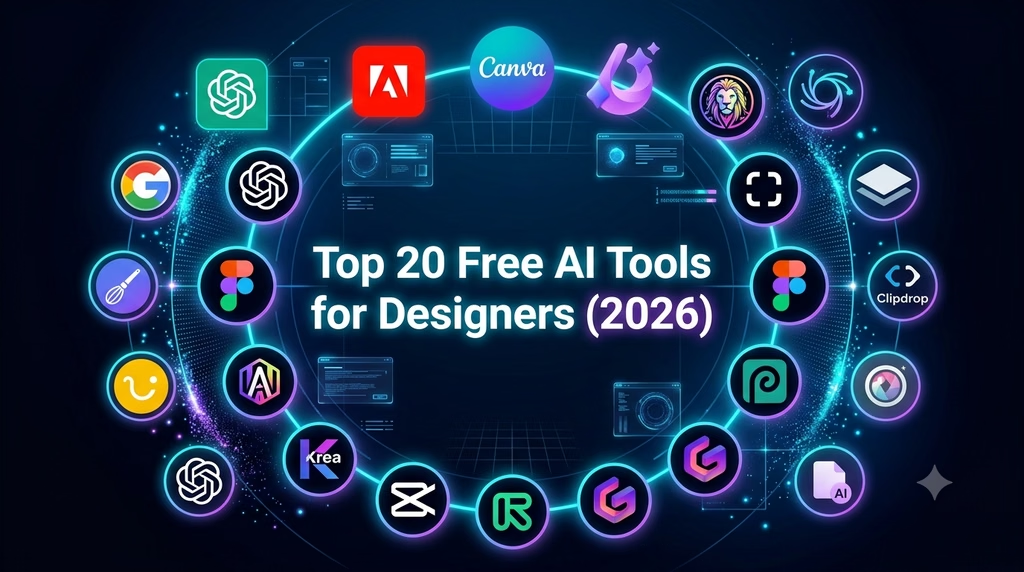
Top 20 Free AI Tools for Designers (2026)
Artificial Intelligence has transformed the way graphic designers work. Tasks that once took hours—such as removing backgrounds, creating illustrations, writing content, generating mockups, or editing videos—can now be completed in minutes.
In this article, we’ve compiled the 20 best free AI tools for designers in 2026. Whether you’re a beginner, freelancer, or professional graphic designer, these tools can help you work faster and more creatively.
1. ChatGPT
Best For: Content writing, brainstorming, design ideas, coding, client communication
Free Plan: ✅ Yes
Key Features
- Generate design ideas
- Write social media captions
- Create colour palettes
- Generate SVG and HTML code
- Write marketing content
2. Adobe Firefly
Best For: AI image generation and Generative Fill
Free Plan: ✅ Yes
Features
- Text-to-image
- Background replacement
- Object removal
- AI-generated textures
3. Canva AI
Best For: Social media graphics
Free Plan: ✅ Yes
Features include:
- Magic Design
- AI Presentation Maker
- AI Image Generator
- Magic Write
4. Microsoft Designer
Perfect for creating:
- Posters
- Instagram Posts
- Facebook Ads
- YouTube Thumbnails
5. Leonardo AI
Best for:
- Gaming Art
- Product Design
- Concept Art
- Character Design
6. Ideogram AI
Excellent for:
- Logo concepts
- Posters
- Typography
- Text inside images
7. Remove.bg
Removes image backgrounds automatically within seconds.
8. Clipdrop
Useful AI tools include:
- Cleanup
- Upscale
- Relight
- Replace Background
9. Figma AI
Perfect for UI/UX designers.
Features:
- Auto Layout
- Wireframe generation
- Prototype assistance
10. Pixlr AI
Online AI photo editor.
Ideal for:
- Background removal
- Object removal
- AI image generation
11. Photopea
A free browser-based alternative to Photoshop.
12. Playground AI
Generate high-quality images for:
- Marketing
- Social Media
- Digital Art
13. Recraft AI
Excellent for:
- Vector graphics
- Logos
- Icons
- Brand assets
14. Krea AI
Create stunning visuals with real-time AI generation.
15. Runway ML
Perfect for:
- AI Video Editing
- Motion Graphics
- Green Screen Removal
16. CapCut AI
Features include:
- Auto Captions
- AI Voice
- Background Removal
- AI Video Generator
17. Gamma AI
Create professional:
- Presentations
- Documents
- Websites
18. Napkin AI
Turn ideas into beautiful diagrams and visual explanations instantly.
19. Uizard
Best for:
- App Design
- Website Wireframes
- UI Mockups
20. Whisk (Google)
Google’s latest AI image remix tool allows designers to mix images and styles to create unique artwork quickly.
Comparison Table
| Tool | Best For | Free Version |
|---|---|---|
| ChatGPT | Writing & Ideas | ✅ |
| Adobe Firefly | Images | ✅ |
| Canva AI | Social Media | ✅ |
| Microsoft Designer | Marketing | ✅ |
| Leonardo AI | Concept Art | ✅ |
| Ideogram AI | Typography | ✅ |
| Remove.bg | Background Removal | ✅ |
| Clipdrop | Photo Editing | ✅ |
| Figma AI | UI/UX | ✅ |
| Pixlr AI | Photo Editing | ✅ |
| Photopea | Photoshop Alternative | ✅ |
| Playground AI | AI Images | ✅ |
| Recraft AI | Vector Design | ✅ |
| Krea AI | Real-time AI | ✅ |
| Runway ML | Video Editing | ✅ |
| CapCut AI | Video Creation | ✅ |
| Gamma AI | Presentations | ✅ |
| Napkin AI | Diagrams | ✅ |
| Uizard | UI Design | ✅ |
| Whisk | Image Remix | ✅ |
Final Thoughts
AI tools are becoming essential for every designer. While no single tool does everything, combining a few of these free options can dramatically improve your productivity and creativity.
If you’re just getting started, try ChatGPT, Canva AI, Adobe Firefly, Leonardo AI, and Recraft AI. Together, they cover content creation, image generation, logo concepts, and vector design without requiring a paid subscription.
Frequently Asked Questions (FAQ)
Which is the best free AI tool for graphic designers?
ChatGPT, Adobe Firefly, Canva AI, and Leonardo AI are among the best free choices.
Can AI replace graphic designers?
No. AI speeds up repetitive tasks, but creativity, branding, strategy, and client communication still depend on human designers.
Which AI tool is best for logo design?
Ideogram AI, Recraft AI, Adobe Firefly, and ChatGPT (for concept generation) are excellent options.